Today's Guide to the Marketing Jungle from Social Media Examiner...
presented by

The weekend is almost here, Pz! Here’s a recap of the most important insights, trends, and updates from the week. Catch up in minutes and go into next week prepared.
In today’s edition:
Is your LinkedIn Company Page aligned with this consumer behavior?
3 ways to use AI in your browser
Building Facebook ad accounts that generate consistent profit and scale predictably.
How to tailor AI agents to your specific business processes
🗞️ Industry news from Instagram, LinkedIn, Claude, ElevenLabs, and more

Your LinkedIn Page Isn’t for Discovery, It’s for Closing Deals
Research from Dream Data found that 1 in 5 business deals involved a visit to a LinkedIn company page, and most of those visits occurred near the end of the buying process.
The buyer wasn't discovering the business; they were doing a final check before committing. They were asking: Are these people the real deal?
That context reframes what your LinkedIn Company Page is actually for. It isn't a promotional tool. It's a confidence-builder for buyers who are already interested but haven't yet decided whether to do business with you.
Is your page fulfilling its role as one piece of a longer journey during which buyers are making hundreds of small decisions about whether to trust your brand? What's obvious internally is rarely obvious to an outside buyer.
Try the 10-second test: Show your page to someone unfamiliar with your business and ask them to describe what your company does within 10 seconds. If the answer is vague, you have some work to do, starting with the featured section.
The featured section functions as the front door to your business page. When a buyer arrives at the page as a destination, the featured section is usually the first thing they engage with. If it's stale, irrelevant, or missing entirely, it signals that your brand isn't paying attention.
Curate this section by adding content that reflects your current priorities and shows buyers they're in the right place.
This tip was shared by Michelle J Raymond at Social Media Marketing World. Get access to the full presentations now, with a post-conference Virtual Ticket.

Generic AI output is easy to spot – and easy to ignore. The marketers standing out aren't producing more. They're producing work that actually sounds like them: a clear point of view, a distinct voice, and a human hand behind it.
The AI Business Society shows you how to close that gap — with prompts, workflows, and support from marketers who’ve already done it — so you can produce output you'd actually be proud to put your name on.
Help me raise the bar.

Turn Your Browser Into an AI Assistant
Stop attaching files and pasting links into your AI apps. Let the AI inside your browser do the work instead.
With a paid account, the Claude for Chrome extension and Gemini in Chrome feature can read what's on your screen—across every open tab—so you never need to open a separate AI tab.
Here are three ways to put either of them to work for you this week:
Skip the 40-Minute Video: Pull up a YouTube tutorial and ask the AI assistant: "List every tool mentioned," "Summarize the steps in order," or "Does this cover [my question]?" Takeaways in seconds, no full watch required.
Draft With All Your Sources Open: Line up your reference tabs (analytics, last month's notes, a few articles, etc.) and let the AI assistant pull from all of them as you write. No more window-hopping for that one number.
Size Up the Competition: Open a competitor's social profile and have the assistant extract recent posts, flag the highest-engagement ones, and spot content patterns. This is an agentic task—the AI navigates and gathers the data itself—so it needs the Claude extension or a paid personal Gemini plan (Google AI Pro or Ultra).
The shift is simple: treat your browser not as a place to read, but as a place to delegate.
More trainings with tips like this are available instantly when you join the AI Business Society.
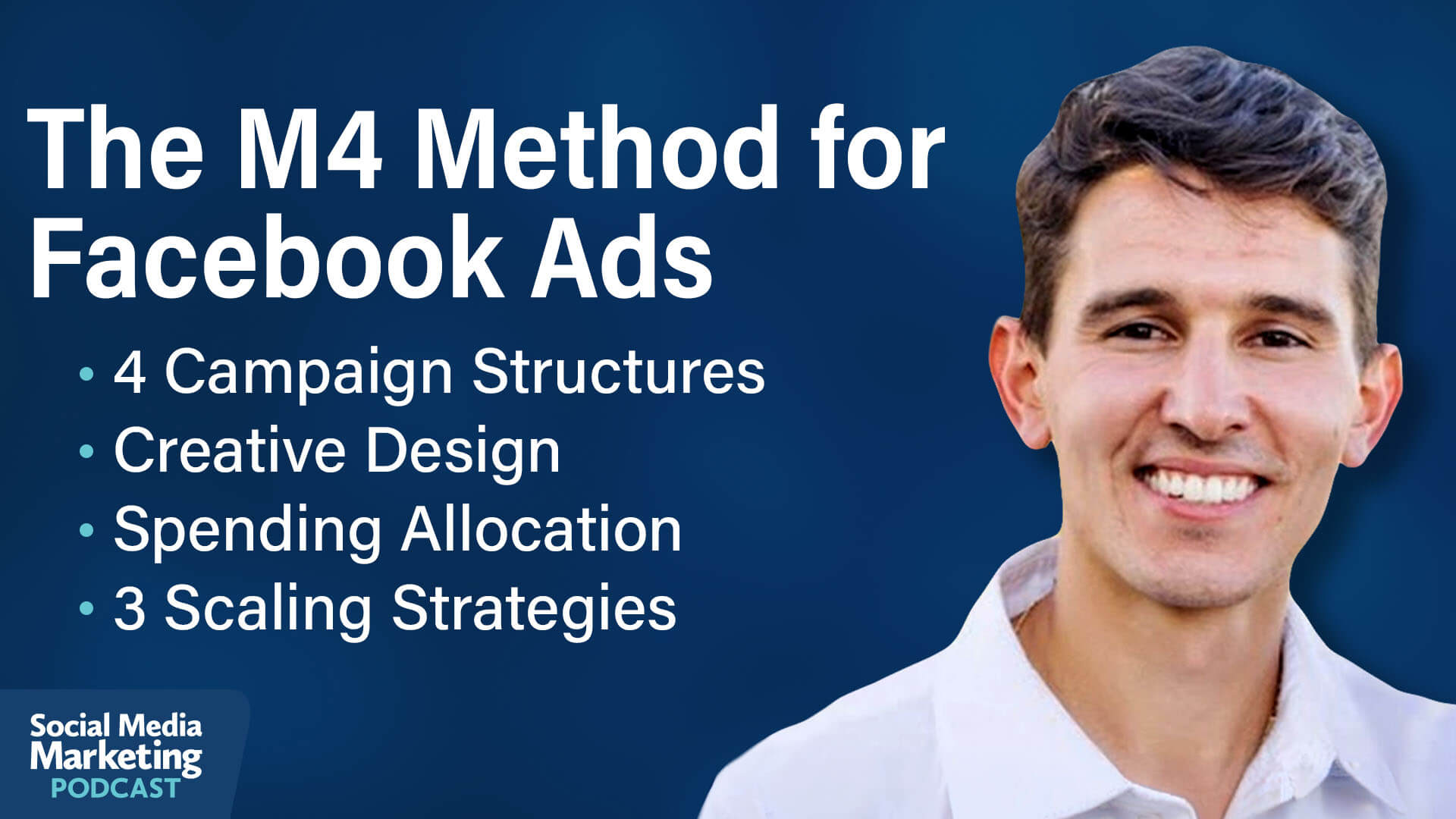
How to Blow Up an eCommerce Business With Facebook Ads
Sam Piliero identifies two things that keep most Facebook advertisers stuck.
The first is obsessing over efficiency metrics. Return on ad spend and cost per acquisition are useful guardrails, but they don't tell you what's actually going into your pocket. Sam argues that the real goal is profit, more specifically, contribution margin.
The second is a misconception of control. Many advertisers either over-engineer their accounts with dozens of campaigns pulling in different directions, or they hand everything to the algorithm, hoping it figures things out. Sam argues there's a deliberate sweet spot between those two extremes and that getting it right is what makes scaling possible.
The framework Sam uses is called the M4 Method, a proprietary four-stage system built around account structure, creative, deep dives, and scale. Below, we take a look at two of those stages.
The M4 Method for Facebook Ads: Deep Dive Analysis
Most advertisers spend the same flat amount on ads every day of the week. Sam argues this is leaving significant money on the table because every business has patterns in when it converts best. Deep dive analysis takes advantage of that cycle.
The conversion patterns for industries vary, but they're almost always there, and most businesses never look for them.
The idea behind deep dives came from his time at BarkBox. For eight consecutive Monday mornings, Sam walked into the office and told his team they'd had another great weekend — meaning ad performance was exceptional on Saturdays and Sundays. It took him two months to recognize that it wasn't a coincidence. Consumer behavior for that brand shifted on weekends, but the ad account lacked a mechanism to capitalize on it.
Sam's team attributes roughly 20% improvements in ROAS or equivalent reductions in cost per acquisition specifically to this stage of the process.
How to Analyze Your Ad Data to Find When and Where Your Business Performs Best
Pull 90 to 180 days of data, excluding outlier periods such as Black Friday, holiday sales, or major promotions. Focus on the evergreen baseline of roughly 260 non-sale days per year.
Next, break the data down by day of week, placement (feed vs. reels vs. stories), age, gender, and geography.
You're looking for a 20–30% difference in your core efficiency metric or conversion rate between segments. That's the signal threshold Sam uses to separate meaningful patterns from noise.
Once you find a high-performing day or segment, the right move is usually to spend more on it, not to eliminate the low-performing days entirely. Cutting underperforming days can hurt the funnel: impressions on slower days often drive conversions on stronger days.
A better approach is to lower budgets on underperforming days and raise them significantly on high performers, even if that pushes the ROAS on strong days down a bit. The goal is to acquire more customers at a profitable rate, not to protect a high ROAS on a low volume.
The M4 Method for Facebook Ads: Scaling
Scale only makes sense when the conditions are right. Sam is direct on this: you don't scale into poor ROAS or a dysfunctional account. You scale when performance is strong, and you want to capitalize on it.
Sam breaks scaling into three types.
Scale Vertically
Vertical scaling is simply putting more spend on your existing campaign because it's working.
Sam's approach is to scale in increments of 10–30% at a time, then wait two to three days before making another adjustment. This gives the algorithm time to recalibrate without triggering the learning phase unnecessarily. The window can be shorter for impulse-purchase products with low average order values, for something like a $25 phone case, next-day feedback is often sufficient.
Scale Horizontally
Horizontal scaling means creating new campaigns alongside your primary one.
Sam reserves this almost exclusively for promotional events such as sales, launches, or limited-time offers. A separate campaign with its own budget runs for three to ten days and then ends. This keeps the account clean and prevents the algorithm from disrupting the always-on prospecting campaign.
Scale With A Twin Engine
Twin engine scaling is the combination of vertical and horizontal scaling used simultaneously, and it's where the biggest gains happen.
The loop works like this: identify any ad in the prospecting CBO that qualifies as a hit (above ROAS target, capturing 10%+ of spend), build iterations of that specific ad, and inject those iterations directly back into the prospecting CBO. At the same time, growing the overall budget on that campaign vertically.
The new creative iterations remain within the primary prospecting campaign rather than being spun off into separate testing campaigns, which would fragment the budget and limit the algorithm's ability to distribute spend efficiently.
When this loop runs correctly, ROAS stays stable as spend climbs. More customers get acquired at roughly the same cost, which is the compounding engine behind the $50M+ businesses Sam referenced earlier.
Other Topics Discussed Include:
Two Things That Hold Back Your Facebook Ads
The M4 Method for Facebook Ads Account Structure: Prospecting, Retention, Retargeting & Scaling Campaigns
The M4 Method for Facebook Ads Creative: Design Problem-Solution Ads
Want to Learn More?
Today's advice is provided with insights from Sam Piliero, a featured guest on the Social Media Marketing Podcast.
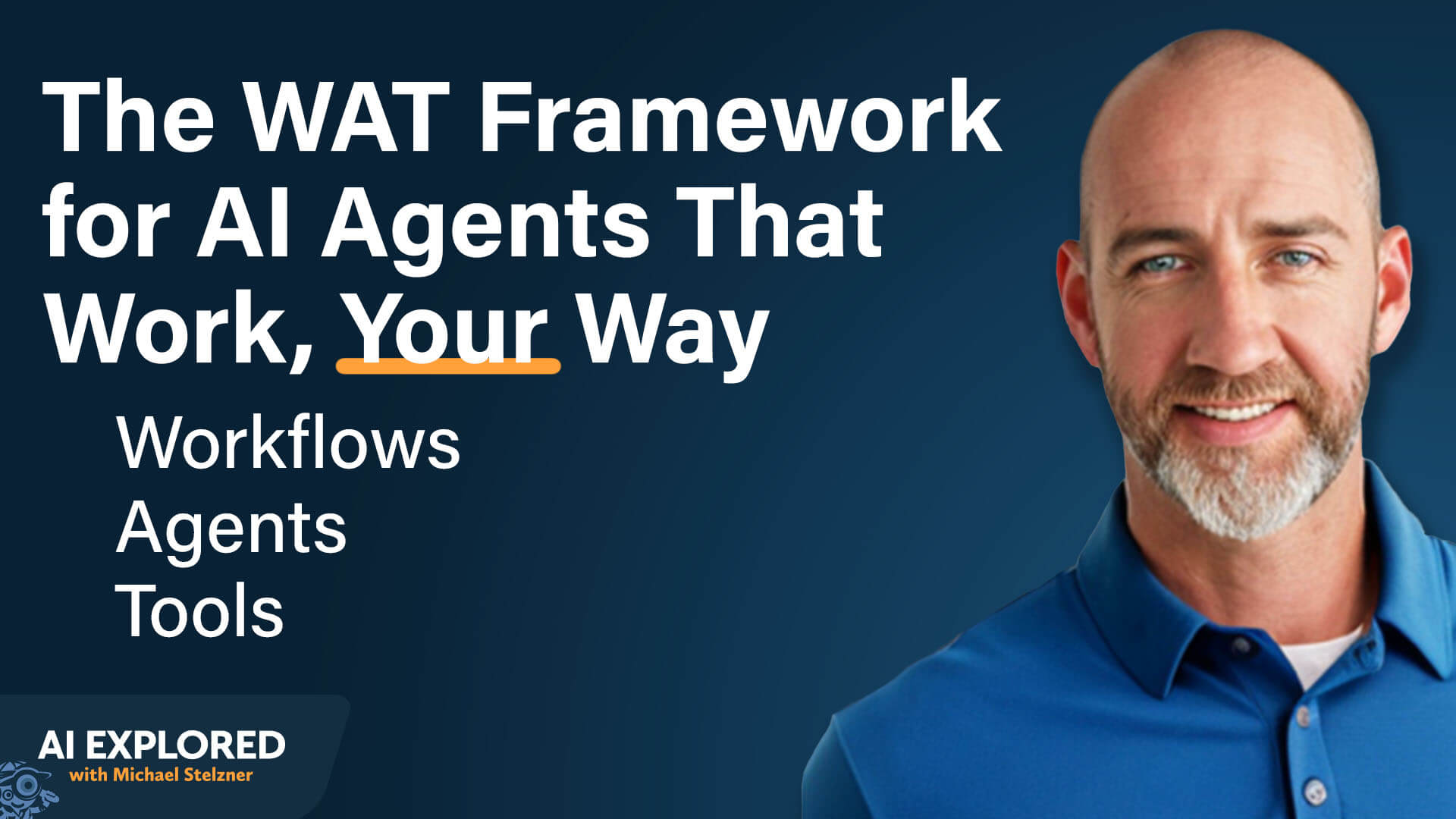
Building AI Agents: The System That Automates 60% of One Entrepreneur's Workload
The internet is full of "spin up an agent in six steps" tutorials that make building quality AI agents sound simple. Keith Moehring's first word of caution: it isn't. That said, Keith is clear that the upfront investment pays off. An agent that handles 80% of a task delivers real value. You supply the remaining 20%.
Building an AI agent that reliably performs a specific task in the specific way you do requires real work. You have to provide context. You have to define the process. You have to iterate until the output matches what you actually want. And critically, the system you build has to be yours—not just a template you borrowed from someone else's workflow.
You’ll start with setting up the tech foundation for your AI agent.
Keith's system for building AI agents has three essential components: an AI model, a user interface, and a context layer.
Choose the AI Model
Keith uses Claude almost exclusively for this work, though he notes that OpenAI and Gemini are equally capable. The approach he describes is LLM-agnostic. What matters is giving it the right context to operate from.
One practical nuance: Keith switches models based on task complexity. For the majority of agent work, Cursor's built-in AI or his connected Claude account handles everything he needs. For advanced coding tasks, he switches to Claude Code. The ability to choose the right model for each job within the same interface is one of the things he values most about the setup.
Choose the User Interface
This is the piece most people miss. Keith uses Cursor, a downloadable code editor that connects an AI model directly to the files on your computer. He estimates he pays around $99 per month for access.
The interface has three panels: your folder hierarchy on the left, a chat panel on the right where you interact with the agent, and the file you're actively working on in the center.
When you open your project folder in Cursor, the AI gains access to everything inside it, and you work with it through natural language. Cursor also lets you connect your own Claude account directly, giving you the option to draw on your Claude subscription's token capacity instead of Cursor's built-in limits.
From a security standpoint, Cursor restricts the agent to the folder you've opened, so it can't access any other repositories. You can also set it to require your approval before making any changes to files, which Keith recommends when you're just getting started.
For teams, the most practical option is syncing the folder directory to GitHub. Team members pull the same files to their local machines and work from a shared context.
Establish the Context Layer
This is where the system's real power lives. Keith's context folder, which he calls L2 Ops, sits on his desktop and contains six subfolders:
Playbooks: SOPs written as AI instructions—what to do, in what order, and where to find what's needed
Reference: background information about the business—naming conventions, technology in use, how files are organized
Skills: reusable, step-by-step instructions for specific recurring actions (for example, exactly how to create a task in ClickUp, including what fields to populate and how)
Templates: examples of what outputs should look like—blog posts, emails, reports
Scripts: Python code for connecting to external APIs, such as pulling specific contact lists from HubSpot
Clients: a folder containing one subfolder per client. Each client subfolder holds all the context the agent needs to work on that client's behalf: the client's full name, the acronym Keith uses for them, where their folders live in Google Drive, and who the main priority contacts are. This is also where consolidated meeting notes are stored after processing, providing the agent with a running record of every client conversation.
The AI builds a mental map of this folder structure over time. When running a task, it knows exactly where to look for what it needs and proceeds through the process without being told which file to check.
Other Topics Discussed Include:
The Prompt That Uses Your Org Chart to Outline Responsibilities
Building a Playbook to Guide the AI Agent’s Actions
Tips to Get the Whole AI Agent System Working for You
Want to Learn More?
Today's advice provided with insights from Keith Moehring a featured guest on the AI Explored podcast.

Tired of Sending Feedback Twice?
If you work with designers, copywriters, video editors, or web developers — you know the pain. You explain it. They miss it. You explain it again.
NoteGo ends that cycle. Instead of writing another email that gets misread, just record your screen, draw directly on what needs to change, and let AI capture every key moment automatically.
One recording. Zero confusion. No revision meeting required.
Get NoteGo for free now!

Edits Expands Creator Tools with Advanced Analytics and Creative Features: Meta has rolled out a substantial update to Edits, introducing audience insights with PDF report exports, side-by-side Reel performance comparisons, and new creative tools designed to enhance video production. The update also adds Olivia Rodrigo’s custom font, opacity blending controls for more sophisticated visual effects, and AI-powered Restyle functionality that can transform videos based on text prompts. Additionally, iOS users can now export videos up to 15 minutes in length, providing greater flexibility for longer-form content creation and brand collaborations. Creators via Threads
Instagram Carousel Posts Gain Per-Slide Captions: A new carousel enhancement now allows creators to add unique captions to each individual slide rather than relying on a single caption for the entire post. The feature can be activated through the carousel creation flow by enabling the “Multiple Captions” option. By providing context on a slide-by-slide basis, the update helps audiences better understand content as they move through the carousel, creating a more guided and informative viewing experience. Creators via Threads
LinkedIn Adds GIFs Support: LinkedIn introduced GIFs in comments, giving users a new way to participate in conversations and express themselves across the platform. LinkedIn
Meta Brings New AI-Powered Search and Creation Tools to Facebook: Meta is expanding the role of AI on Facebook with the launch of AI Mode, a new experience that uses Meta AI to answer questions by drawing on public conversations, Groups, and Reels across its platforms. The company is also introducing a range of AI-assisted creative tools, including automated photo and video enhancements, collage templates, transition effects, and virtual wardrobe editing features. Meta
Meta Expands Edits with AI Assistance and Desktop Editing: Meta has announced a significant expansion of its Edits video creation platform, including a forthcoming AI assistant and a desktop version of the app. The AI assistant will help creators interpret performance metrics, identify trends, and brainstorm content ideas using insights from their Instagram activity, while the desktop experience will support more advanced editing workflows and cross-device collaboration. Alongside these upcoming additions, Meta is rolling out new audience analytics, content testing tools, topic-based inspiration search, and a Beta program for experimental features. TechCrunch
Meta Expands Shoppable Discovery Across Ads and eCommerce Features: Meta unveiled a suite of commerce-focused updates designed to shorten the path from product discovery to purchase. The company is expanding affiliate partnerships, rolling out Live Video Ads to support livestream shopping, and introducing virtual card checkout to improve transaction security and consumer confidence. Meta is also enhancing its AI-powered advertising infrastructure by using product catalog data across all Sales campaigns, enabling its systems to automatically match products, creative assets, and audiences for better performance. Meta
Meta Simplifies Embedding Public Social Content: Meta has removed the requirement for access tokens and App Review approvals when using its oEmbed APIs to display public Facebook, Instagram, and Threads posts or videos. Developers can now retrieve embed code and related technical metadata through direct API calls, significantly reducing implementation complexity for CMS platforms, website builders, news aggregators, and other applications that surface social content previews. Existing token-based integrations remain supported, although Meta notes that rate limits may vary between tokenless and approved token-based access. Meta
Pinterest Expands AI Across Advertising, Discovery, and Shopping: Pinterest unveiled a broad set of AI initiatives designed to help advertisers and consumers navigate a more conversational and recommendation-driven internet. New tools include Business Assistant, an AI collaborator that provides trend insights and campaign recommendations, and Pinterest MCP, which integrates Pinterest’s unique audience and intent signals into third-party AI marketing tools. The company also enhanced Performance+ Creative with a new asset-level optimization model that automatically selects the most effective ad variation for each user. Beyond advertising, Pinterest is experimenting with the future of AI-powered discovery through Ask Pinterest, a new app focused on personalized, conversational shopping experiences built around users’ tastes, interests, and intent. Pinterest
Pinterest Adds New Customer Acquisition and One-Click Campaign Launch Tools: The new New Customer Acquisition (NCA) capability enables advertisers to prioritize first-time buyers by combining customer list uploads, value-based bidding, and AI-powered audience targeting. Pinterest also introduced one-click Performance+ Shopping campaigns for eligible Shopify merchants, allowing businesses to launch best-practice campaigns directly from Shopify with minimal configuration. Pinterest
Snap Introduces AI-Powered Advertising, Commerce, and Creator Tools: Snapchat has announced a broad set of AI-driven advertising updates designed to simplify campaign management and improve marketing performance. New tools include the Snap Smart Assistant for campaign setup, enhanced AI-powered product recommendations, conversational shopping experiences through Sponsored Snaps, and creative generation tools that automate ad production from existing assets. The company also introduced the Snap Creator Network, an AI-powered creator marketplace that streamlines influencer discovery and campaign activation. Snapchat
Threads Rolls Out Community and Personalization Upgrades: Meta announced that Threads has surpassed 500 million monthly active users and is marking the milestone with a series of new community and feed-control features. Communities are officially leaving beta and gaining enhanced discovery, identity, and engagement tools, while the new Your Algo feature gives users direct control over the conversations and topics that appear in their feed. Meta
X Simplifies Ad Measurement with Google Tag Manager Integration: X has expanded its advertising measurement capabilities by integrating with Google Tag Manager, making it easier for marketers to implement Pixel and Conversion API tracking without relying on custom code or developer resources. The platform is also introducing a new event health dashboard and centralizing conversion tracking tools within Events Manager, giving advertisers better visibility into campaign performance and tracking reliability. Social Media Today
YouTube Introduces Mobile UI, Discovery, Messaging, and Membership Updates: YouTube and Google have announced several creator-focused updates, including a cleaner mobile watch page experience with streamlined controls and redesigned engagement icons. Google is also launching Search Profiles, enabling eligible creators to showcase their content, social presence, and key links through customizable profiles that may surface in Google Search results. Additionally, YouTube is expanding in-app messaging to more regions, making video sharing more social within the platform. For monetizing creators, YouTube is introducing international membership pricing adjustments, AI-driven pricing recommendations, and more flexible controls for updating membership fees for new subscribers. YouTube
Anthropic Introduces Claude Tag for Collaborative AI Workflows in Slack: Anthropic has unveiled Claude Tag, a new Slack-based AI collaboration tool designed to function more like a shared teammate than a traditional chatbot. By allowing teams to tag @Claude in channels, delegate tasks, and connect the model to approved tools and data sources, Claude Tag can work asynchronously, maintain channel-specific context, and support multiple collaborators within a single workflow. The platform also introduces proactive capabilities through ambient updates and long-running task execution, reflecting Anthropic’s broader vision of AI agents that operate alongside teams rather than through isolated one-on-one interactions. Available now in beta for Claude Enterprise and Team customers. Anthropic
ElevenLabs Launches Ads Engine to Automate Global Campaign Localization: ElevenLabs has introduced Ads Engine, a new advertising-focused product inside ElevenCreative designed to help brands scale campaigns across international markets. By connecting directly to major ad platforms, the tool can pull existing creatives, localize text, visuals, and video content into multiple languages, and publish updated versions back to advertising accounts. The platform goes beyond translation by adapting creative assets for cultural relevance and includes workflow automation features such as approval processes, reusable templates, and ad fatigue detection. ElevenLabs
Google Launches Ask Ad Manager to Simplify Publisher Operations with AI: Google has unveiled Ask Ad Manager, a Gemini-powered AI assistant designed to help publishers analyze performance, troubleshoot issues, and navigate Google Ad Manager more efficiently. The conversational tool can answer questions using a publisher’s own data, generate custom reports and benchmarks, and provide actionable recommendations through a multi-turn chat experience. By streamlining common workflows and reducing the need for manual reporting and platform navigation, Ask Ad Manager aims to help publishers make faster, more informed business decisions while freeing up time for higher-value strategic work. Google
OpenAI Adds Enterprise Analytics and Spend Controls: OpenAI has introduced new credit usage analytics and enhanced spend controls for ChatGPT Enterprise, giving organizations greater visibility into how AI resources are being used across their teams. Through the Global Admin Console, administrators can monitor ChatGPT and Codex credit consumption, identify adoption trends, and analyze spending by user, product, or model. The update also expands budgeting controls, allowing companies to set workspace-wide, group-level, or individual credit limits while enabling employees to request additional capacity when needed. Together, these features are designed to help enterprises scale AI adoption responsibly while maintaining oversight of costs and usage. OpenAI
What Did You Think of Today's Newsletter?
Michael Stelzner, Founder and CEO
P.S. Add
michael@socialmediaexaminer.com into your contacts list. Use Gmail?
Go here to add us as a contact.
We publish updates with links for our new posts and content from partners. Your information: Email:
punjabsvera@gmail.com Opted in on: 2022-03-22 16:02:45 UTC.